
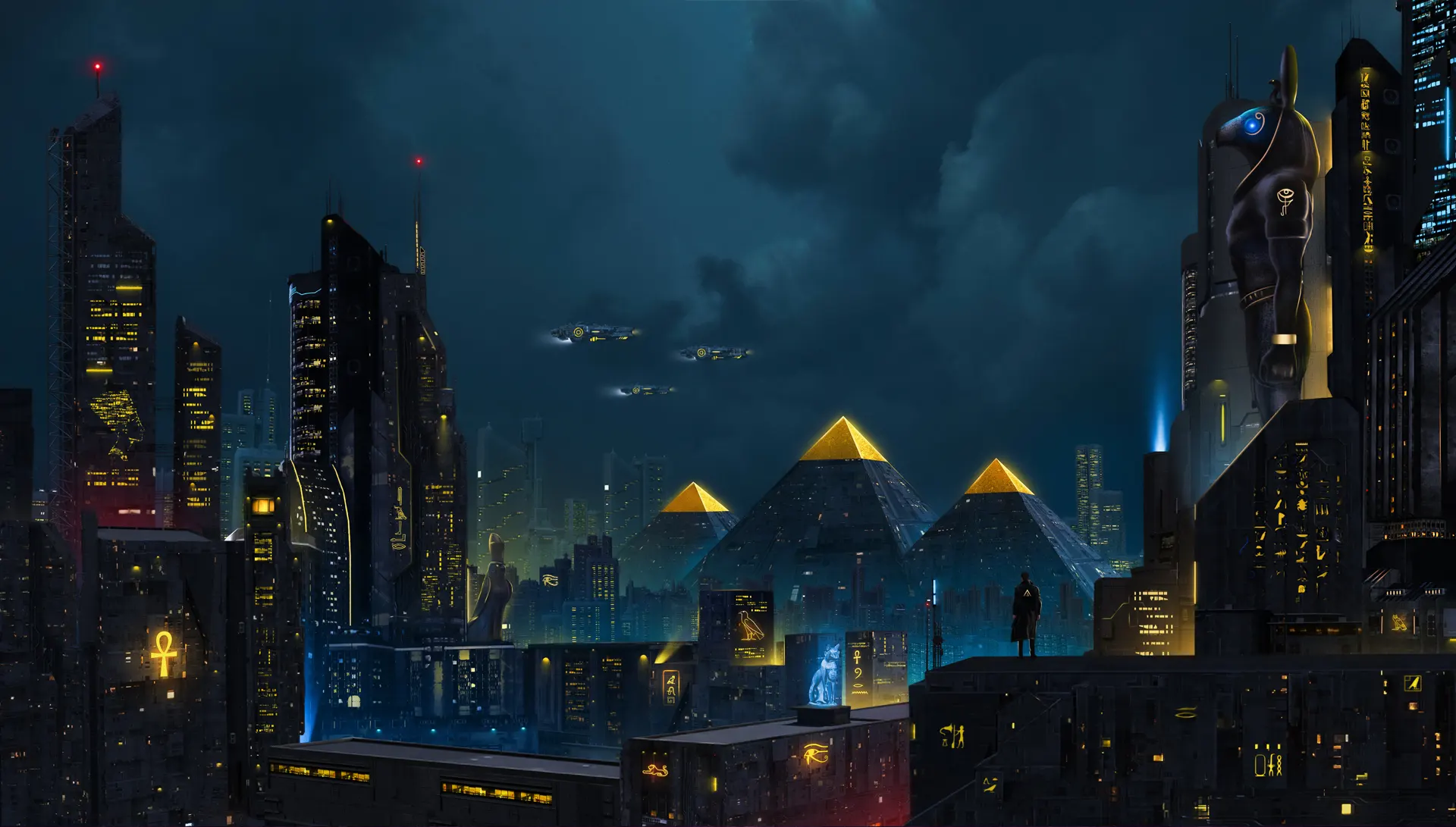
“Ancient pyramids crowned with neon light—where hieroglyphs glow on skyscrapers and guardian deities watch a future reborn.”
Tag: painting
Huge Explosion
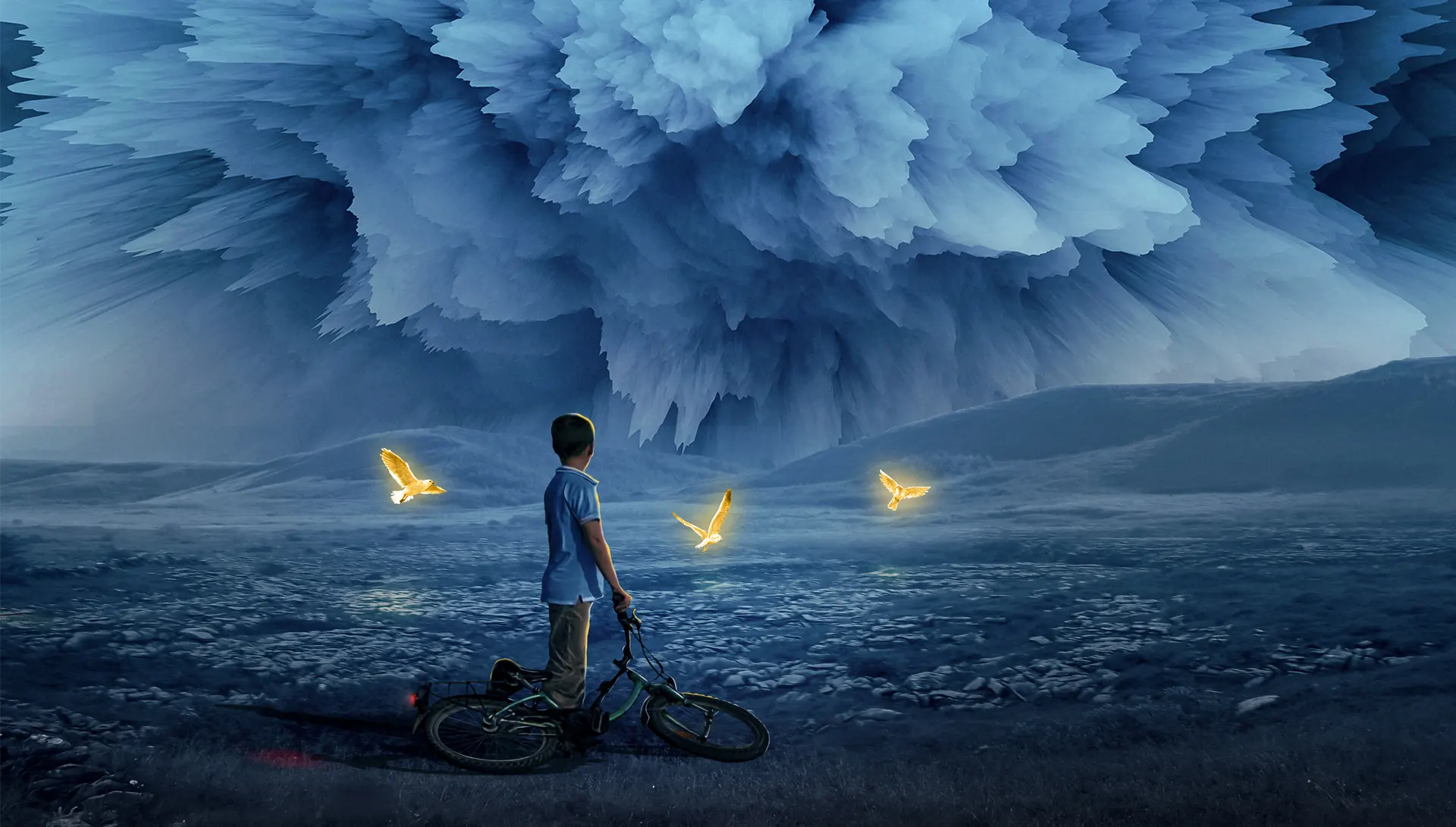
“A lone figure gazes at storm clouds breaking apart—three golden birds emerge from the chaos, symbols of hope rising from destruction.”
Symphony

Enterprise

Under the brilliance of a full moon, the journey unfolds. The glowing light becomes both guide and companion, illuminating paths of courage and wonder.
Broken Dreams
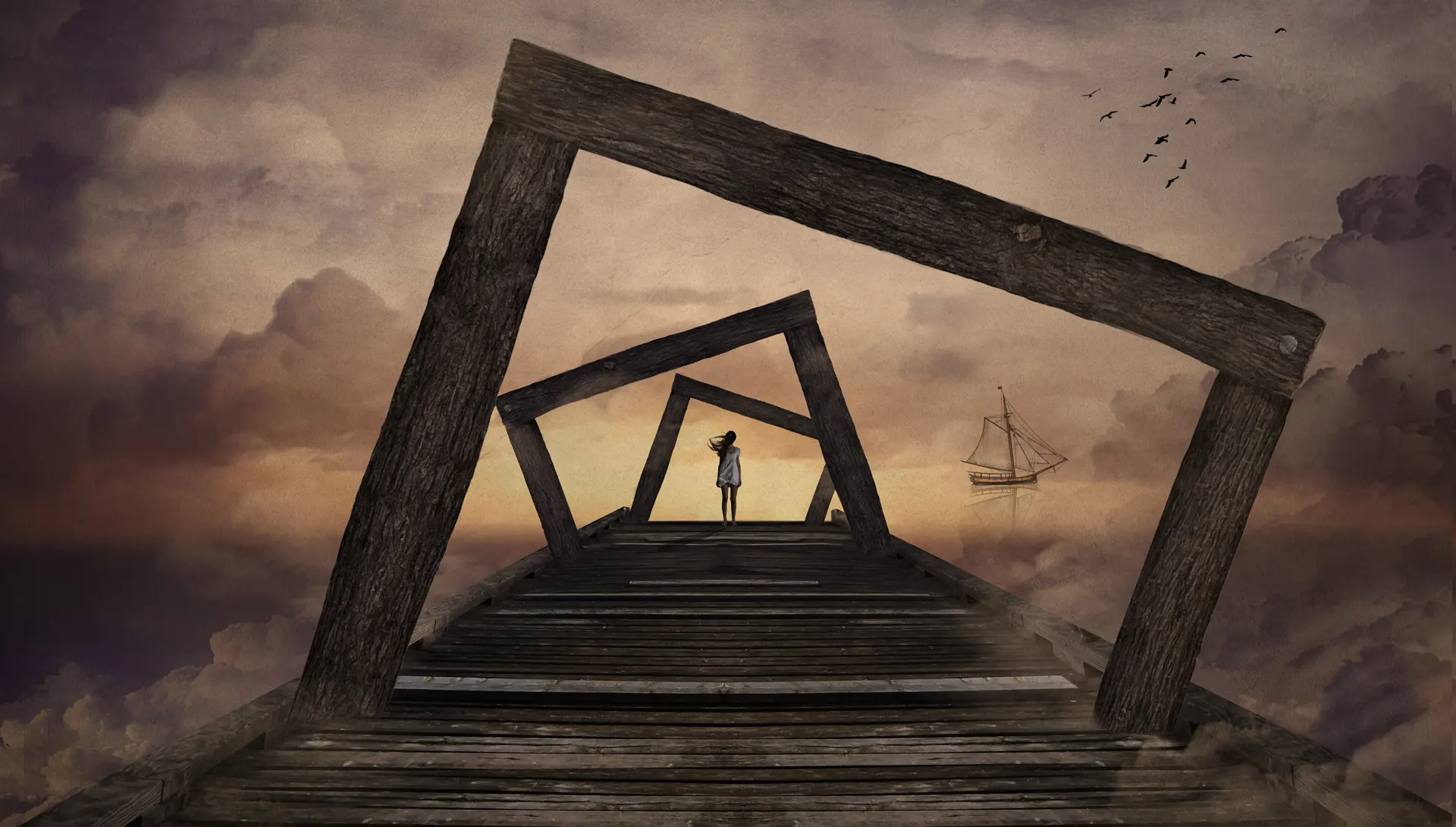
A pier dissolves into mist, where sunset colors fracture into silence. A lone figure waits, as if holding onto a dream already fading
How to Install ABR Brushes in GIMP

How Install ABR brushes in GIMP
introduction
GIMP (GNU Image Manipulation Program) is a powerful and free image editing software that supports various brush formats, including ABR (Adobe Brush) files. In this tutorial, we’ll show you how to import and use ABR brushes in GIMP to enhance your digital artwork.
Step 1: Download the ABR Brush File
First, download the ABR brush file you want to use. Make sure to save it in a location that is easy to access, such as your Downloads folder or a specific folder for brushes.
You can explore our extensive collection of high-quality brushes here
Step 2: Locate the GIMP Brushes Folder
Next, you need to find the folder where GIMP stores its brushes:
- Open GIMP.
- Go to Edit > Preferences.
- In the Preferences window, navigate to Folders > Brushes.
- Note the directory path of the Brushes folder. You can add a new directory if you prefer to store brushes in a different location.
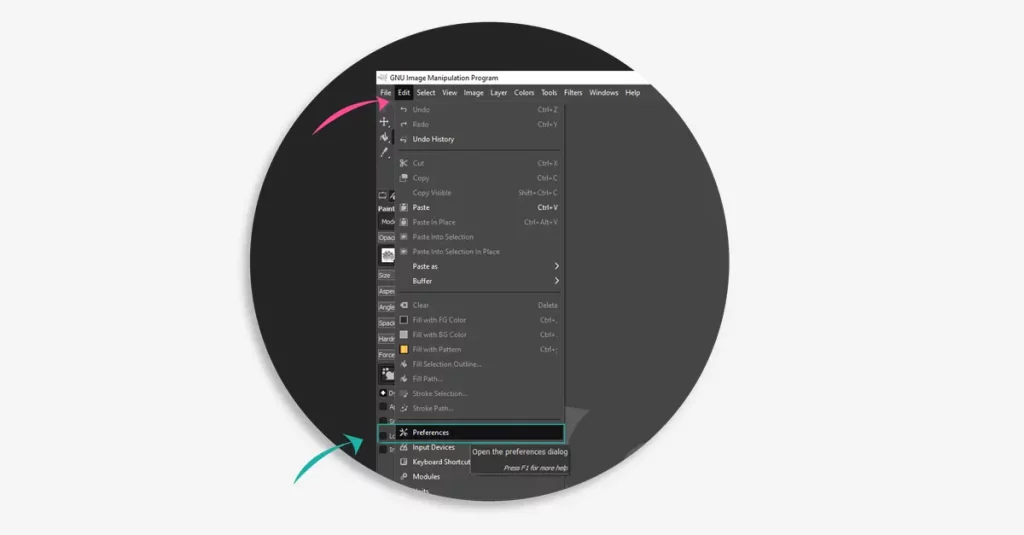
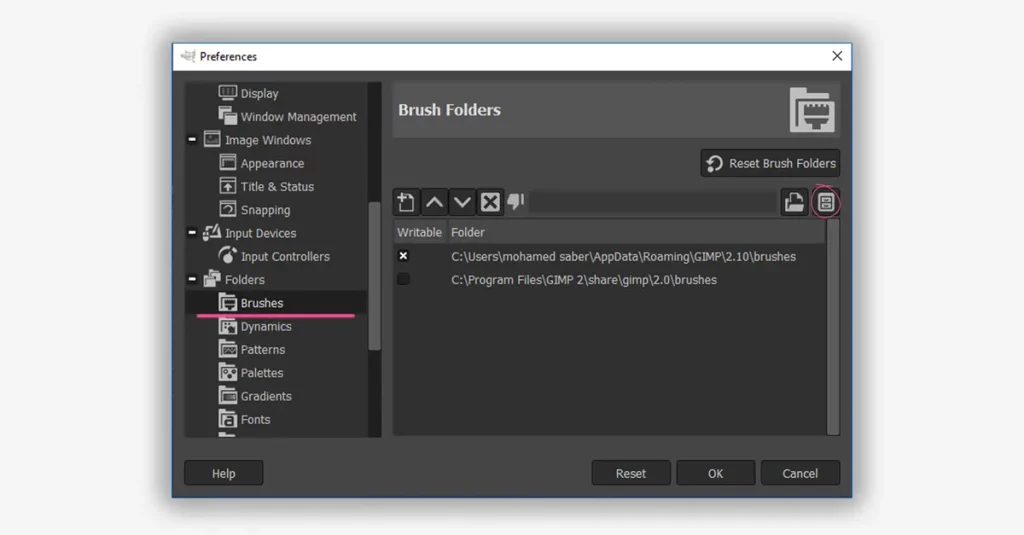
Step 3: Copy the ABR File to the Brushes Folder
Now that you have the location of the GIMP Brushes folder:
- Open the folder where you saved the ABR file.
- Copy the ABR file.
- Navigate to the GIMP Brushes folder (as noted in Step 2).
- Paste the ABR file into the Brushes folder.
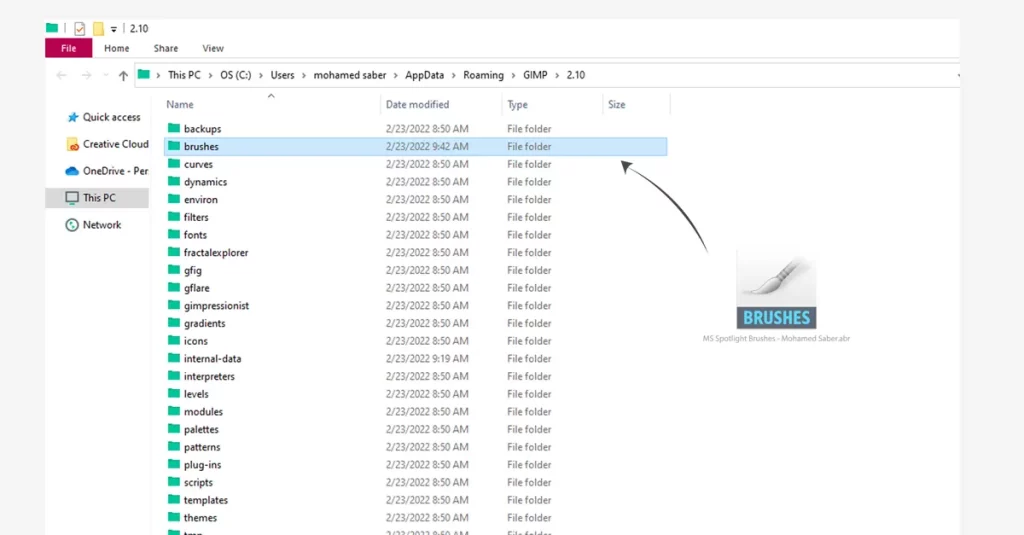
Step 4: Refresh the Brushes in GIMP
To make GIMP recognize the new brushes:
- Go back to GIMP.
- Open the Brushes dialog.
- Click the Refresh button (a small circular arrow) at the bottom of the Brushes dialog. This will load the new brushes into GIMP.
Step 5: Using the Imported Brushes
Once the brushes are loaded, you can start using them in your projects:
- Select the Paintbrush Tool from the toolbox.
- Open the Brushes dialog (if it’s not already open).
- Scroll through the brush list to find your imported ABR brushes.
- Click on the brush you want to use.
- Adjust the brush settings as needed and start painting!
Conclusion
By following these steps, you can easily Install ABR brushes in GIMP and expand your creative toolkit. GIMP’s flexibility and wide range of supported file formats make it a great choice for digital artists and designers. Happy creating!
Learn how to import ABR brushes into Photoshop / How to import ABR Brushes into Procreate
with our easy step-by-step guide.
introduction to concept art

sketching is an important step in the creative process. This is especially true of visual arts like concept art, illustration and even design.
Having a sketchbook will help to keep your ideas fresh by sketching as often as possible.
Sketching is an important part of the artist’s daily routine that should be done multiple times per day, not just when inspiration strikes. Do not care too much about the tools, whether sketchbooks or pens. You can also create them digitally on Photoshop or other applications.
remember You can make more than one sketch of one concept as long as your artwork develops.
Sketchbooks are also a diary of your progress and see how your artistic skills improve over time is inspirational.
1. What is Concept Art
Concept art is a form of illustration used to convey an idea for use in artworks, films, video games, comic books, animation or other media before it is put into the final product. All usually become easier to create with digital art, you can take a variety of approaches, such as using brushes and textures to easily express texture.
You can see the sketches inside my gallery.
2. Where can Concept Art be found
Concept art can be seen abundantly in films, video games, Books, TV, graphic design. In addition, concept Artists produce general sketches or ideas of props, Environments or characters. So, concept art is a creative field that continues to grow in popularity.
3. start learning concept art
It is easy to start learning concept art because of its minimum requirements, you only need pencil and paper to translate your ideas into drawings, but you need to be a professional concept artist so you must know the basics of drawing and you can learn that through the Internet and training on it.
Easy Ways to Find your Art Inspiration

Sometimes you struggle to get ideas, because you think a lot about what you want to draw, at this moment.
we call that Creative Block , sounds like you need some inspiration.
So, you’ve decided that you want to be an artist, you need to train your brain to be inspired. I know it sucks. anyway, you can learn ways to get inspired and train yourself on them.
Here are some quick tips I have for finding inspiration.
1. Take a break
A designated area to work in is Important. Find a place where you can be creative. Start training your brain to pay attention to natural Places like the sea, foliage, sky and relax. Spend more time with friends/family. Stay away from your usual routine and take a break. I see a lot of beauty and creativity in the natural world, so I encourage you to spend some time in Natural places. A change of scenery or environment may rekindle your inspiration because you’re looking at new sights.
2. Build your Inspiration
Keeping work aside, inspiration can come from just about anywhere. so don’t limit yourself to just looking at other visual art.
Art inspiration on Pinterest can be found everywhere, it is a visual search engine, which makes the platform useful for artists.
One foolproof way to motivate yourself is to Search galleries and communities for artwork that you like. This is a great way to discover what really inspires you.
3.Network with Other Artists
Networking with other artists or influential people in the art world can further your opportunities for building your Art inspiration.
Networking and getting to know other artists in your career help you think more deeply about being inspired.
4. Join Art Communities
Visual Artists create pieces in a range of media, including Painting, sketching, and photography. Stay in touch or get in touch, follow up with what they are doing.
we’ll look at a few networks for Digital art that do more than your typical social media platform by inspiring.
Here are networks for digital artists that every artist should consider using to collaborate and work together online. Such as,
Deviantart , Artstation ,Behance
5. Watch Speed Painting for Inspiration
Watching Speed painting videos by other artists on YouTube can inspire you to create your art. also You can learn a new skill through a quick video that creates a passion for work.
Many Artists Are Inspired by Books. Books offer a wide range of subjects and stories as well, also I’ve found inspiration in a lot of Books and video games.